

How business apps help companies work better
Where internal and customer-facing mobile apps make a real difference to a business, and when a website or off-the-shelf tool is the better choice.
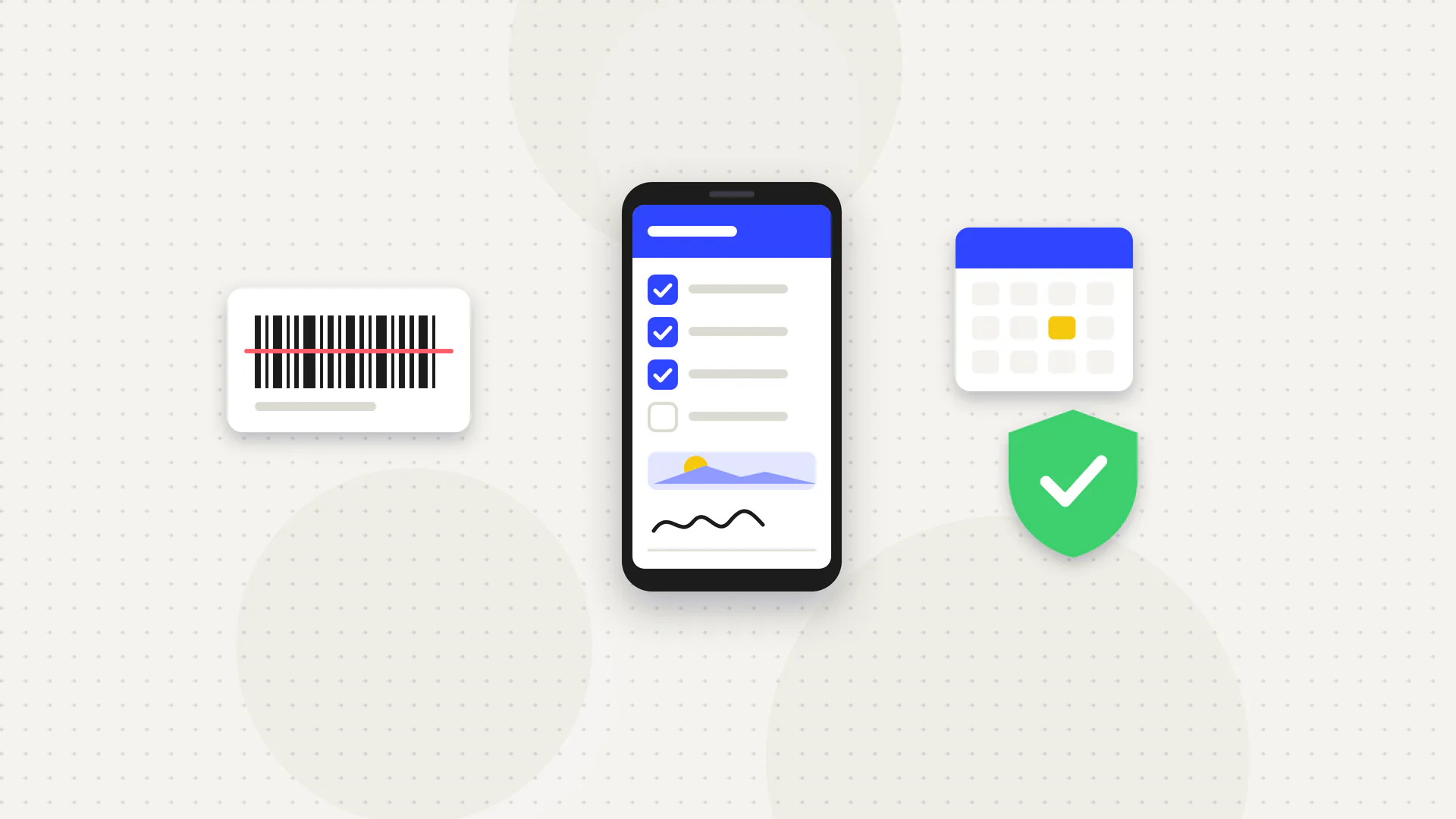
A business app can save hours every week, or it can be an expensive icon nobody opens. The difference is almost always whether it solves a specific, frequent problem better than a website or an existing tool can. Here's how to tell, and where apps tend to pay off.
Two kinds of business apps
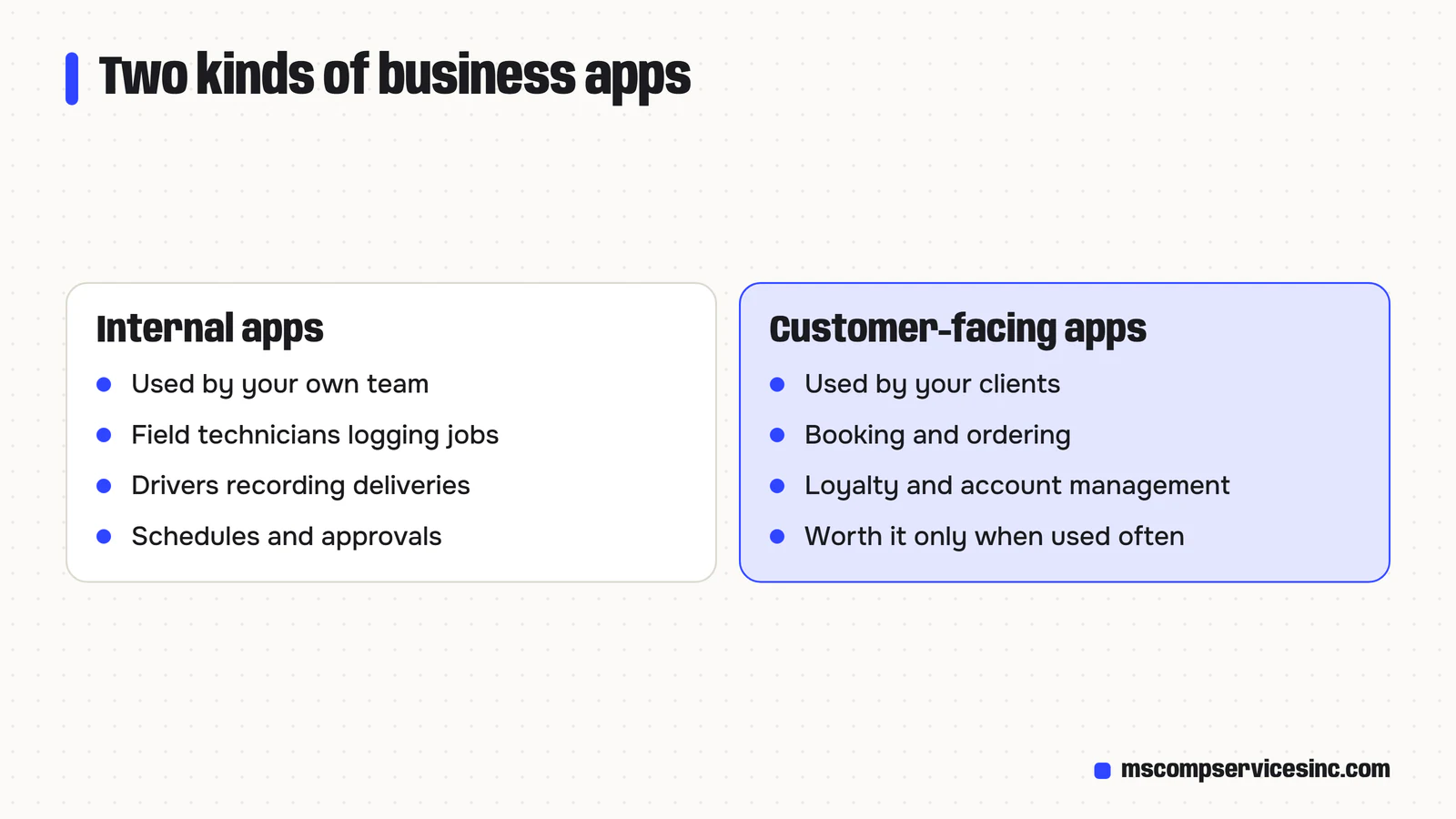
Internal apps are used by your own team: field technicians logging jobs, drivers recording deliveries, staff checking schedules, managers approving requests. Customer-facing apps are used by your clients: booking, ordering, loyalty, account management or service tracking. The questions you ask before building each are different.
Where do internal apps make a real difference?
- Field work: job details, checklists, photos and signatures captured on site, synced to the office without paperwork.
- Offline use: crews in basements, rural areas or on highways can keep working without signal and sync later.
- Inspections and safety: standard forms that can't be skipped, with time stamps and photos for compliance records.
- Inventory and scanning: using the phone's camera to scan barcodes or QR codes instead of typing.
- Approvals and notifications: managers approve requests from anywhere, and staff get alerts when something needs attention.
The common thread is replacing paper, phone calls and re-typing with a single source of truth. Fewer errors and faster billing usually justify the cost.
Where do customer apps make sense?
Customer apps work when people use your service often enough to keep the app on their phone: weekly orders, regular bookings, loyalty programs, account dashboards or tracking a service in progress. Push notifications, saved details and quick re-ordering make repeat use easier.
For a business customers interact with once or twice a year, an app usually isn't worth it. Most people won't download it, and a fast mobile website does the job.
Native app, cross-platform app or web app?
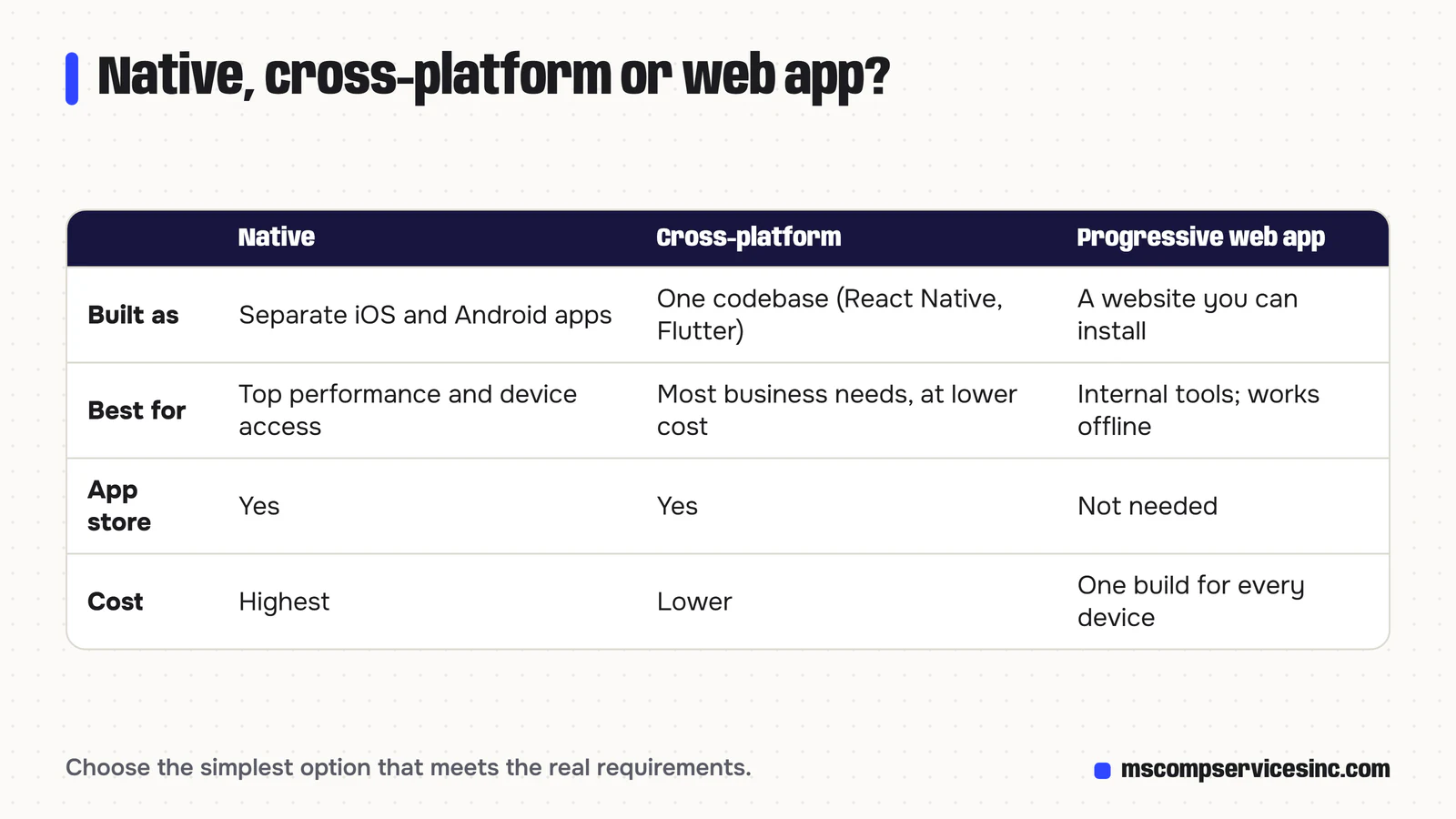
- Native apps are built separately for iOS and Android. They offer the best performance and device access, at the highest cost.
- Cross-platform apps use one codebase, with frameworks such as React Native or Flutter, for both platforms. They suit most business needs at a lower cost.
- Progressive web apps (PWAs) are websites that can be installed to the home screen, work offline and, on most devices, send notifications. No app store is needed, which suits internal tools especially well.
We usually recommend the simplest option that meets the real requirements, and only go native when the app truly needs it.
Questions to answer before building
- What task will people do in the app, and how often?
- What do they use today, and what's wrong with it?
- Does it need to work offline, use the camera, location or barcode scanning?
- What systems must it connect to: accounting, CRM, inventory, scheduling?
- Who will maintain it as phones and operating systems update?
- Could an existing tool do 80% of this for a monthly fee?
If an off-the-shelf tool covers most of the need, start there. Custom apps pay off when your process is a competitive advantage, or when existing tools force your team into awkward workarounds.
What does it cost to keep an app running?
Building is only the start. Apple and Google release new operating systems every year, app store policies change, and connected systems update their APIs. Budget for ongoing maintenance and hosting, plus store fees for public apps. Internal apps distributed privately or as PWAs avoid some of that overhead. Our guide to what app development costs in Canada gives typical build and upkeep figures.
Security and privacy
Business apps handle customer and employee data, so build in sign-in, permissions by role, encrypted connections, and the ability to wipe access when a phone is lost or an employee leaves. Collect only the data you need, and say clearly in your privacy policy how it's used.
Thinking about an app for your team or customers? Our mobile app development and custom software services start with the questions above, so you only build what earns its keep.
Quick answers
How long does it take to build a business app?
A focused internal app with a few core features can take a couple of months, from planning to launch. Apps with many integrations, complex permissions, offline use or separate native iOS and Android builds take longer. Starting with a small first version and adding features based on real use keeps timelines and budgets manageable.
Do internal apps need to be in the App Store?
Not necessarily. A progressive web app runs in the browser and can be installed on phones and computers without any store. For native apps, Apple and Google both offer private distribution for business apps, so you can deploy to your team without a public listing, review delays or the app being visible to competitors.
Can an app connect to our existing software?
Usually, if that software has an API or another way to exchange data, such as scheduled exports. Accounting, CRM, inventory and scheduling tools commonly do. We check integration options and any costs or limits before quoting, so there are no surprises, and recommend a workaround when a direct connection isn't possible.
Want help with this?
Tell us about your business and we'll send a free quote, or call 1-800-944-3688.